I got Hotdog Planner to a good place to share sooner than expected. In this post I will share some screenshots, provide a link to the tool, and after I post I’ll be adding it under the “Projects” list in the side bar.
I’ve been using this for a few days now, planning out real house projects and tweaking it as I go. This project does not use any AI inside the app itself. There are no calls that utilize AI for any reason.
For added products, the autofill based on URL does not work well, it rarely pulls anything back. I have to dig into this further, but I’ve found just manually adding the price and image url works fine. I’m sure there are other bugs to work out as time goes on, but I’m quite pleased with this tool as is. I really like having somewhere to collect relevant measurements, so I can quickly reference them if I happen to be in a store.
This will likely make more sense if I just show and tell.
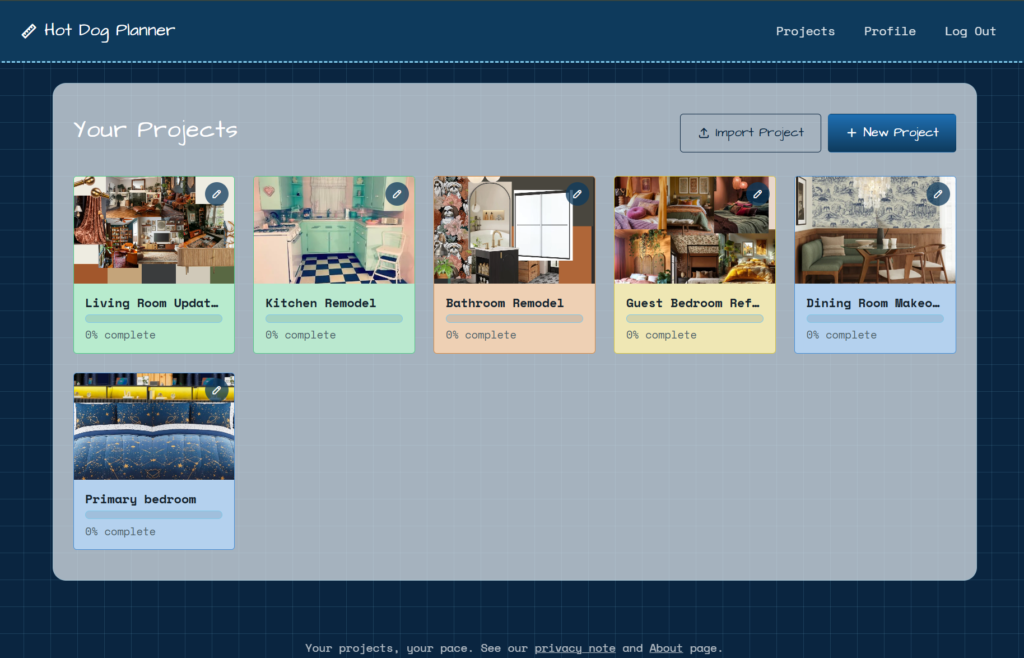
Upon login you are provided a list of projects you’ve built. If you have not set up any projects this will be blank. There is an option to import a project with a provided template, or start a new project from scratch. I suggest going the new project route to get to know the app. It works on mobile as well, but is easier to read on desktop. I suggest desktop for setting things up, and using mobile for reference.
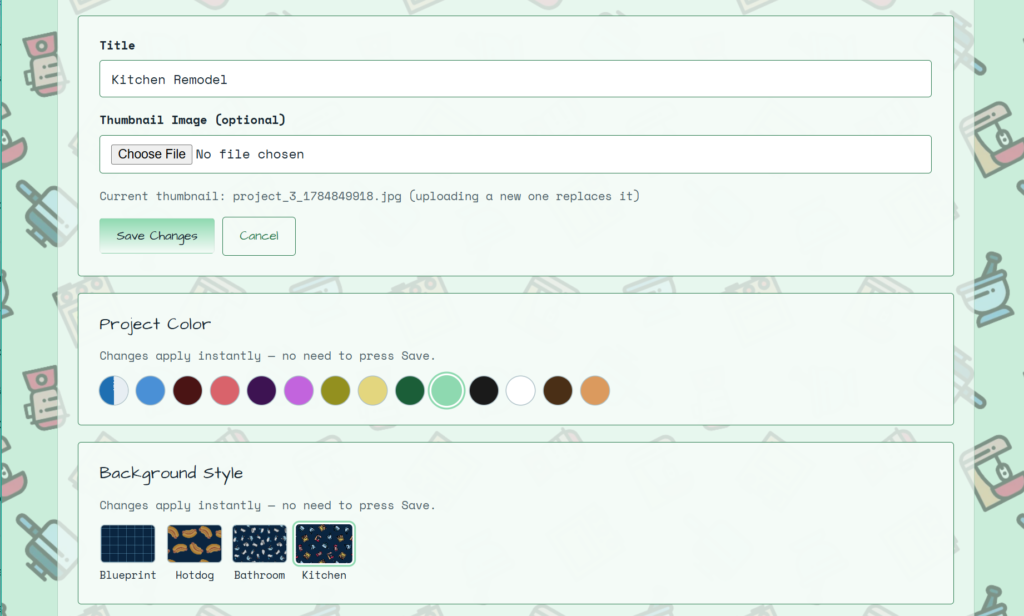
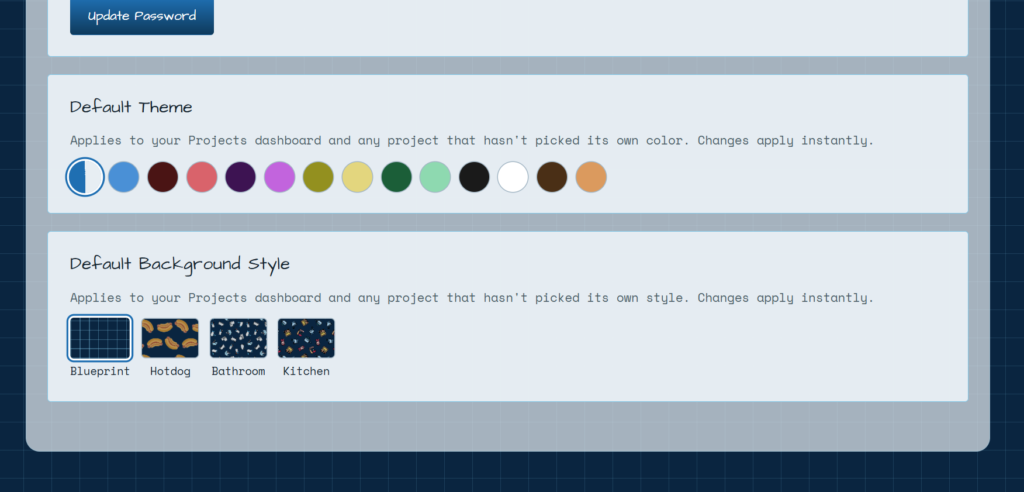
Both the account level and project level have custom theme options. With the exception of the default blueprint grid, I built the background styles using svgrepo to find free use icons, then layered them in a pattern using Patternico.
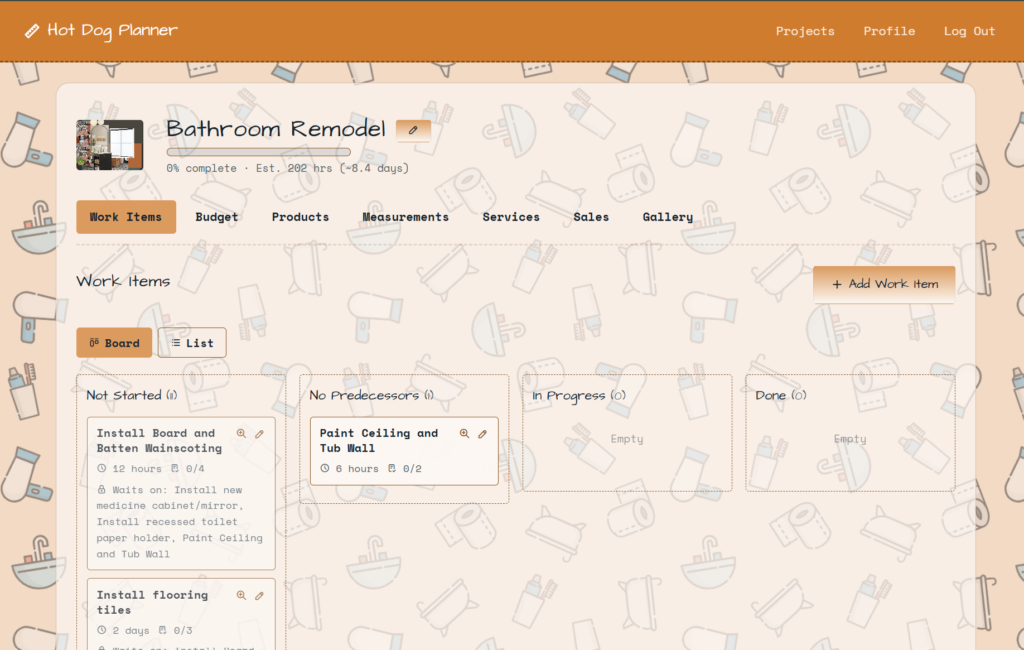
On desktop your landing page is a kanban-like format. As you add work items you will mark other work items as predecessors or successors. Items without any other items blocking them will automatically show up in the “No Predecessors” column. You can drag the cards along to other columns as you start on/complete them. On mobile the default view is List.
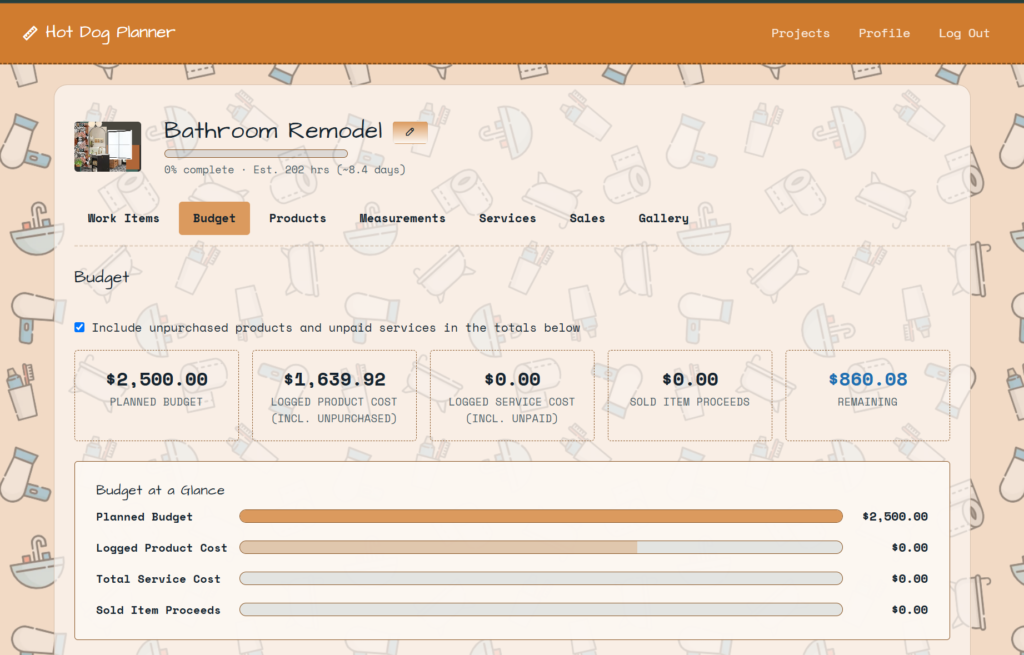
A budget page lets you set a budget and compare it to expenses like products and services.
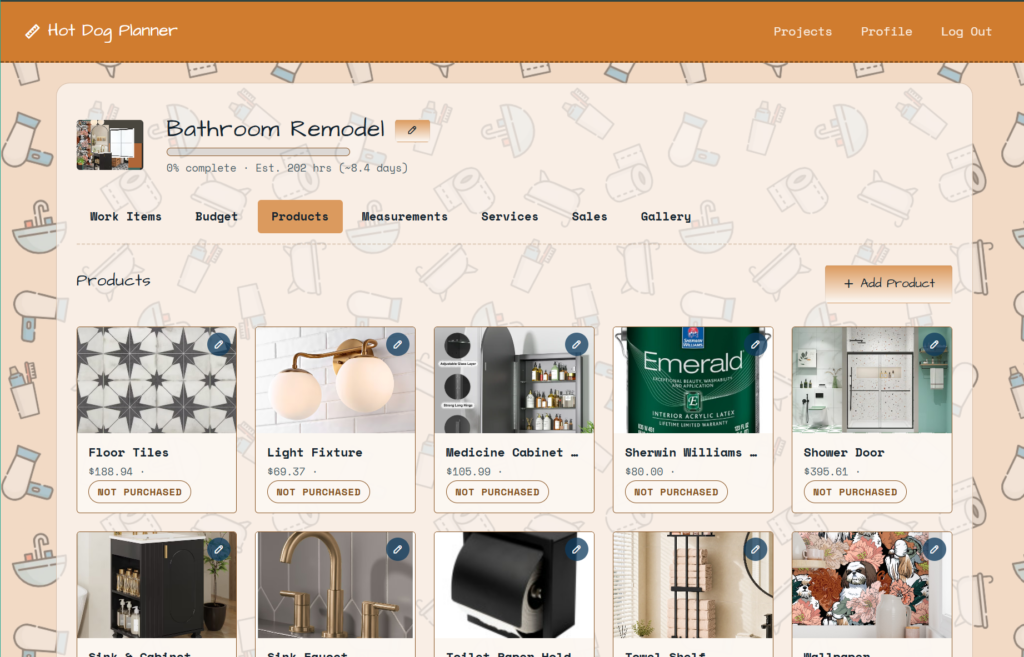
You can add products you need to purchase. They will automatically count towards your budget once purchased. This is where I have an autofill on the add, but it doesn’t work very well. It is a future fix.
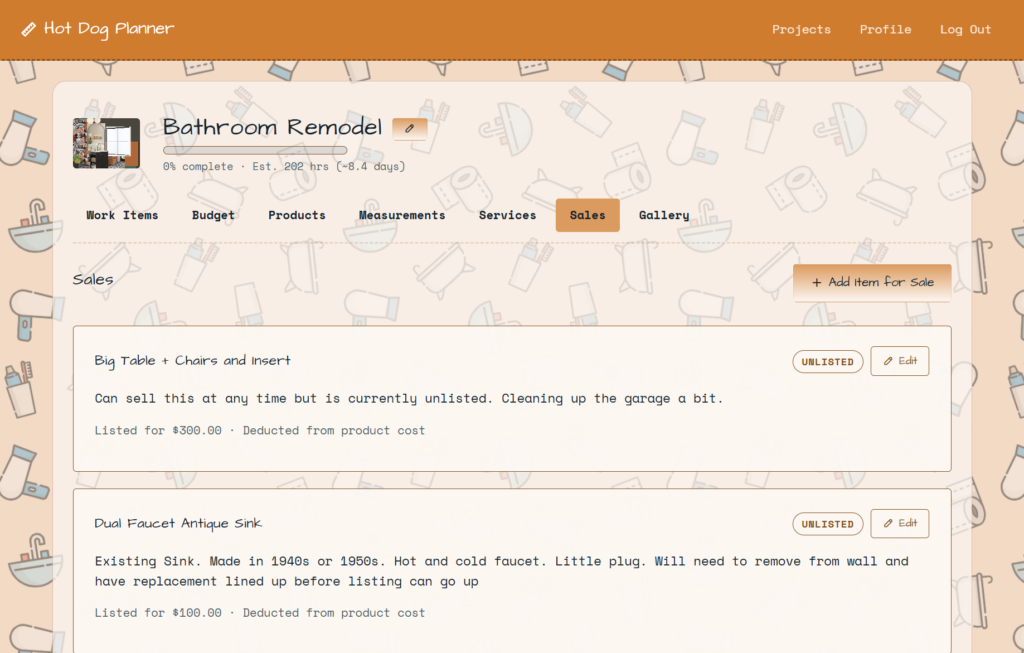
I added a Sales tab for items that may be recycled and sold. For example, the sink in my bathroom is an antique and will likely get a couple hundred dollars. Anything marked “sold” can count as one of two ways – in addition to your planned budget, or as a deduction from product/service totals.
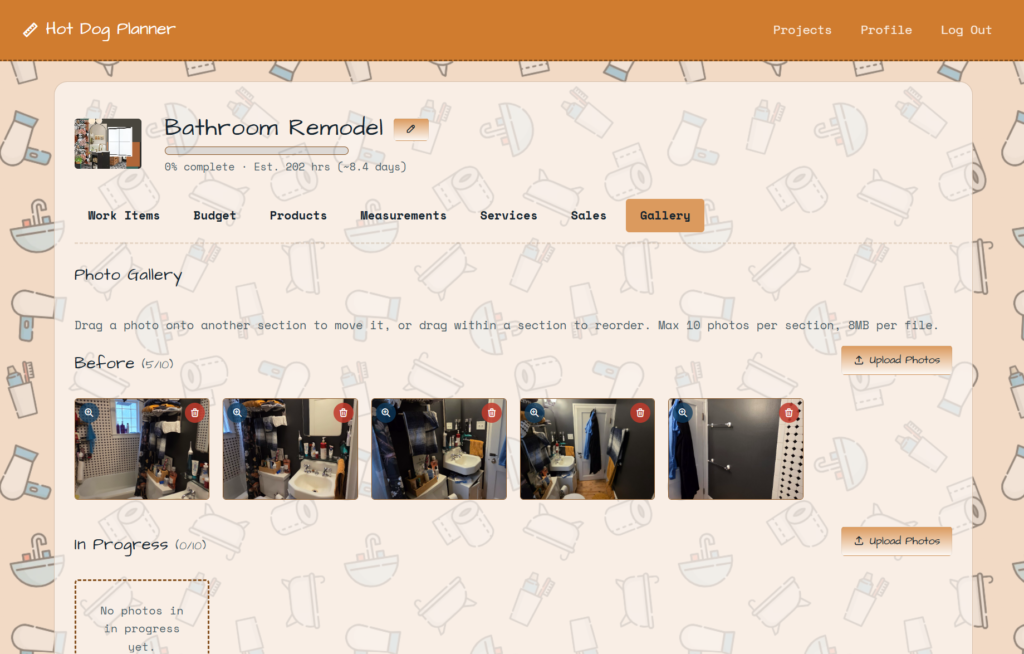
The final tab is for tracking over a long period. Before you start your project take photos of the area. As you work through post some progress photos. At the end add after photos so you can easily share with friends and family. A future feature will be generating and exporting a single file with before and afters to share on social media.
Another feature not pictured above: Shared projects. If your spouse, for example, signs up for the planner you can add them as a project contributor, with an option to grant them admin privileges.
If you’d like to use Hotdog Planner click here.